How to Claim VMware’s Free Workstation and Fusion Downloads
There is no VMware coupon code to paste in 2026, because the products most people searched coupons for no longer cost anything. Since 11 November 2024, Broadcom has offered VMware Workstation Pro (Windows and Linux) and VMware Fusion Pro (Mac) free for personal, educational, and commercial use. Here is how to get them.
Step #1: Open the official Fusion and Workstation page
Go to the VMware Fusion and Workstation page and click Download Now. The download itself is hosted on the Broadcom Support Portal, not on a VMware store.
Step #2: Create or sign in to a Broadcom account
Register a free Basic User account on the Broadcom Support Portal. Broadcom asks you to complete your profile and a Trade Compliance form; it warns that fake or “dummy” details will likely fail export screening and delay access.
Step #3: Find Workstation Pro or Fusion Pro under My Downloads
Once your profile is approved, open My Downloads, search for “Workstation” or “Fusion”, and pick the latest release for your operating system. Broadcom’s knowledge base article KB 368734 walks through the same steps.
Step #4: Install without a license key
Current versions include the free license automatically, so there is no key to enter or usage type to choose. On older builds such as Workstation Pro 17.5.2 or Fusion 13.5.2, the installer still asks for a key; choose the free or personal-use option to continue.
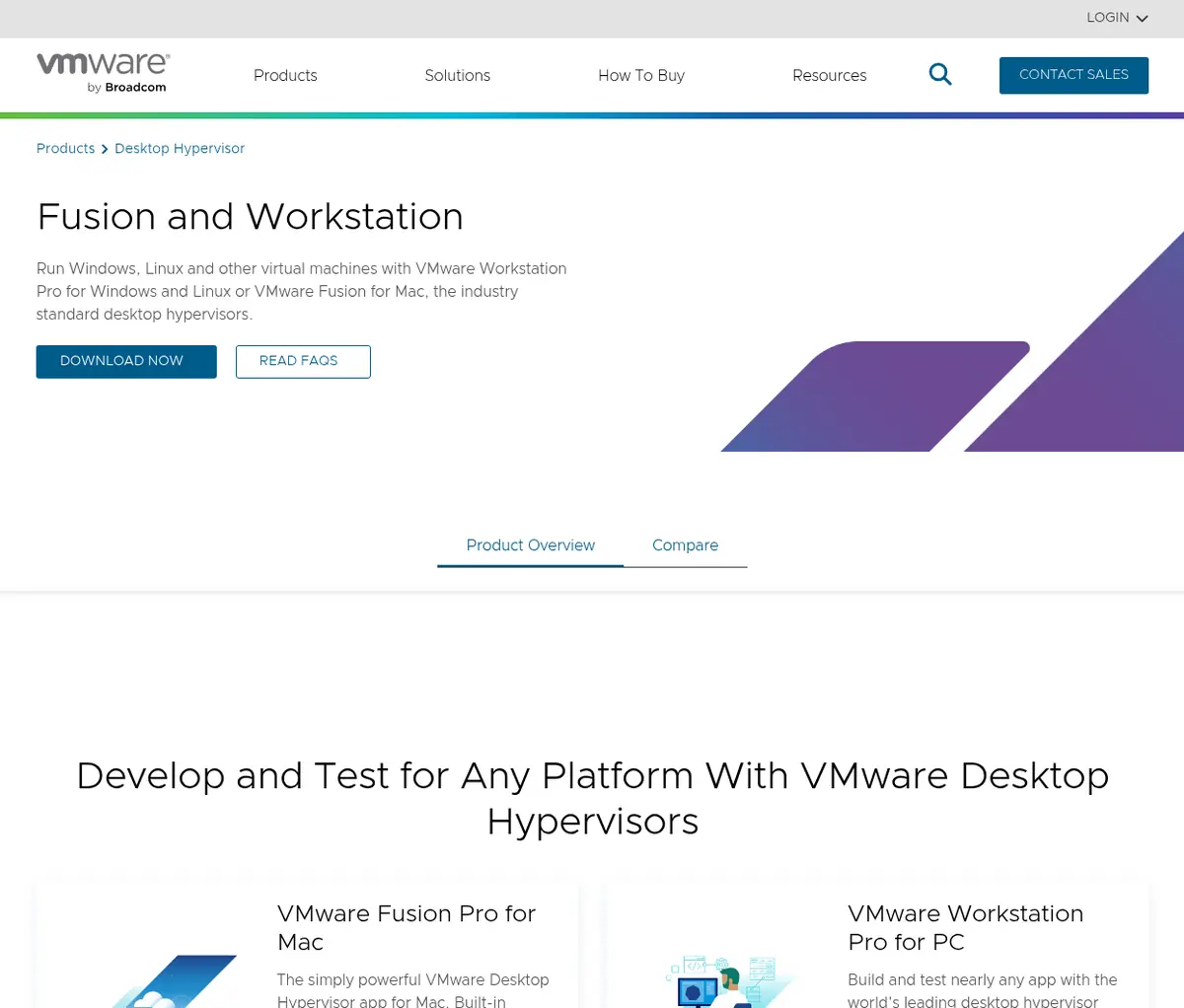
Source: VMware Fusion and Workstation page, captured 19 Oct 2026
Why Use VMware Workstation and Fusion?
A desktop hypervisor lets one computer run several operating systems side by side in isolated virtual machines. Now that the Pro editions are free, they are an easy pick for developers, students, and IT teams who need test environments without extra hardware.
- Run nearly any operating system: VMware lists support for hundreds of guest systems, from Linux distributions to Windows 11, without rebooting your computer.
- Windows 11 ready: Virtual TPM and UEFI Secure Boot meet Windows 11’s requirements, and Fusion supports Windows 11 for Arm on Apple silicon Macs.
- Snapshots and encryption: Save roll-back points before risky changes and encrypt VMs that hold sensitive data.
- Containers and Kubernetes: Build and run containers and Kubernetes clusters with VM-level isolation and networking.
- Connect to vSphere: Manage remote vSphere or ESX hosts from your desktop and move local VMs to your private cloud.
If you need an always-on server rather than a VM on your laptop, compare VPS hosting and shared hosting first, then browse our list of the best VPS hosting providers. Our 1Gbits review covers a host whose VPS plans run on VMware ESXi.
Also Read:
VMware Coupon FAQs
Is there a working VMware coupon code?
No public VMware coupon codes are listed on vmware.com. VMware Workstation Pro and Fusion Pro have been free since 11 November 2024, and paid vSphere products are quoted by Broadcom sales or partners, so there is nothing to discount at checkout.
Is VMware Workstation Pro free for commercial use?
Yes. Broadcom made Workstation Pro and Fusion Pro free for personal, educational, and commercial use. Free users do not get Broadcom support tickets and rely on community forums, documentation, and knowledge base articles instead.
Do I need a license key for VMware Fusion Pro or Workstation Pro?
No. Current versions include the free license automatically. Older builds such as Workstation Pro 17.5.2 and Fusion 13.5.2 still show a key prompt, where you choose the free or personal-use option.
Can I still buy VMware Workstation Player or Fusion Player?
No. VMware Workstation Player and Fusion Player reached end of sale on 30 April 2024. Broadcom replaced them with the free Pro editions, which include more features.
Is there a free version of VMware ESXi?
Yes. Broadcom offers a free VMware vSphere Hypervisor edition of ESXi 8.0 Update 3e on the Broadcom Support Portal. It is for non-production use, cannot connect to vCenter, supports up to 8 vCPUs per VM, and comes with no Broadcom support.
How do I buy VMware vSphere now?
VMware vSphere is sold only as a subscription through Broadcom sales or an authorized partner; perpetual licenses are no longer sold. The current editions are vSphere Standard, vSphere Enterprise Plus, vSphere Foundation, and VMware Cloud Foundation.
Final Thoughts on VMware Coupon Deals 2026
Skip old VMware coupon codes and store discounts; the old VMware online store they pointed to no longer loads. The best deal in 2026 is simply free: Workstation Pro and Fusion Pro cost $0 for every kind of user, with the same features the paid editions had.
For a home lab server, the free vSphere Hypervisor covers basic needs. For production vSphere or VMware Cloud Foundation, request a subscription quote from Broadcom or a partner and compare it against other platforms before you commit.
